Key Technologies Shaping the Future of Android Development
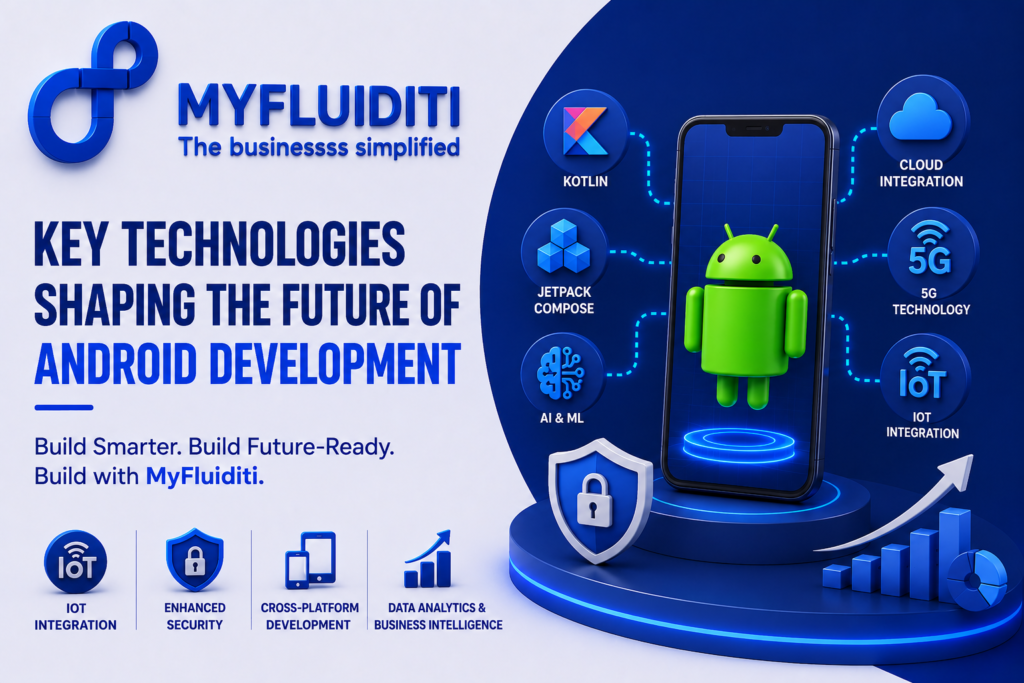
Introduction Android continues to dominate the global mobile application market, powering billions of smartphones, tablets, wearable devices, smart TVs, and IoT solutions. As user expectations continue to rise, businesses must embrace modern Android development technologies that deliver faster performance, stronger security, seamless user experiences, and future-ready scalability. From AI-powered applications and cloud integration to 5G connectivity and cross-platform development, the Android ecosystem is evolving rapidly. Organizations that invest in advanced Android technologies gain a competitive advantage by delivering innovative digital experiences that drive customer engagement and business growth. At MyFluiditi, we help businesses build scalable, secure, and high-performing Android applications using the latest technologies and development frameworks that align with evolving market demands. The Evolution of Android Development Android development has transformed significantly over the past decade. Traditional mobile applications have evolved into intelligent digital platforms capable of supporting real-time analytics, cloud computing, mobile commerce, enterprise collaboration, and connected ecosystems. Modern businesses require applications that perform consistently across multiple devices while maintaining exceptional speed, security, and usability. Today’s Android app development focuses on creating seamless digital experiences that integrate advanced technologies without compromising user experience. MyFluiditi develops Android solutions that combine innovation with business strategy, helping organizations launch applications that are both user-centric and future-ready. Kotlin: The Preferred Language for Android Development One of the biggest technological advancements in Android development is the widespread adoption of Kotlin. Officially supported by Google, Kotlin has become the preferred programming language because of its concise syntax, improved safety features, and enhanced developer productivity. Compared to traditional Java development, Kotlin reduces coding complexity while improving application reliability and maintainability. Businesses adopting Kotlin benefit from faster development cycles, lower maintenance costs, and better overall application performance. At MyFluiditi, our Android developers leverage Kotlin to create robust applications that are scalable, efficient, and easier to maintain as businesses grow. Jetpack Compose Revolutionizing User Interfaces Creating engaging mobile experiences begins with exceptional user interface design. Jetpack Compose has modernized Android UI development by simplifying interface creation and reducing development time. Instead of relying on traditional XML layouts, developers can build responsive and interactive user interfaces using a modern declarative programming approach. This enables faster feature development, improved consistency, and enhanced application performance. MyFluiditi utilizes Jetpack Compose to build visually appealing Android applications that deliver smooth, intuitive, and engaging user experiences across smartphones, tablets, and foldable devices. Artificial Intelligence and Machine Learning Integration The future of Android applications is increasingly driven by Artificial Intelligence (AI) and Machine Learning (ML) capabilities. Intelligent mobile applications now provide personalized recommendations, predictive analytics, smart search, voice recognition, automated customer support, image processing, and fraud detection. AI enables businesses to improve customer engagement while automating complex business processes. At MyFluiditi, we integrate AI-powered capabilities into Android applications that enhance decision-making, improve operational efficiency, and deliver highly personalized user experiences across multiple industries. Cloud Integration for Scalable Mobile Applications Cloud technology has become an essential component of modern Android development. Applications connected to cloud platforms provide secure data storage, real-time synchronization, automatic backups, remote collaboration, and scalable infrastructure. Businesses benefit from greater flexibility while reducing infrastructure costs and improving system reliability. Cloud-enabled Android applications also support seamless integration with enterprise software, APIs, and third-party services. MyFluiditi develops cloud-connected Android solutions that ensure high availability, scalability, and business continuity for organizations operating in dynamic digital environments. 5G Technology Driving Faster Mobile Experiences The global rollout of 5G technology is transforming Android application capabilities by providing ultra-fast connectivity, lower latency, and improved network reliability. These advancements enable developers to create richer mobile experiences involving live streaming, augmented reality, virtual reality, IoT connectivity, multiplayer gaming, telemedicine, and real-time collaboration. Businesses can deliver more responsive applications that process large amounts of data almost instantly. At MyFluiditi, we build Android applications optimized for next-generation 5G networks, helping businesses take full advantage of enhanced mobile performance. Internet of Things (IoT) Integration The rapid expansion of Internet of Things (IoT) devices has opened new opportunities for Android applications across healthcare, manufacturing, logistics, retail, agriculture, transportation, and smart homes. Android applications now function as centralized control systems for connected devices, enabling real-time monitoring, remote management, predictive maintenance, and operational automation. Businesses leveraging IoT improve productivity while gaining valuable operational insights. MyFluiditi develops Android applications that integrate seamlessly with IoT ecosystems, enabling businesses to create intelligent connected solutions for modern industries. Enhanced Mobile Security As mobile applications handle increasingly sensitive customer information, mobile application security has become more critical than ever. Android developers now implement advanced authentication methods including biometric verification, multi-factor authentication, encrypted communication, secure APIs, data encryption, and compliance with international security standards. Strong security practices build customer trust while protecting valuable business data from cyber threats. MyFluiditi prioritizes security throughout every stage of Android application development to ensure applications remain reliable, compliant, and resilient against evolving security challenges. Cross-Platform Development and Business Agility While native Android applications continue to offer exceptional performance, many organizations seek faster deployment across multiple platforms. Modern frameworks such as Flutter enable businesses to develop applications that operate across Android and iOS using a shared codebase while maintaining excellent performance and user experience. Cross-platform development reduces development costs, shortens project timelines, and simplifies long-term maintenance. At MyFluiditi, we evaluate business requirements carefully before recommending native or cross-platform development strategies that maximize efficiency and return on investment. Data Analytics and Business Intelligence Modern Android applications generate valuable business insights through real-time analytics, user behavior tracking, performance monitoring, and customer engagement metrics. Businesses can leverage these insights to improve products, personalize experiences, optimize marketing campaigns, and enhance customer satisfaction. Data-driven decision-making allows organizations to continuously refine mobile applications based on actual user interactions. MyFluiditi integrates advanced analytics solutions into Android applications, empowering businesses with actionable intelligence that supports continuous improvement and long-term growth. The Role of User Experience in Android Success Technology alone does not guarantee application success. User experience remains one of the most important factors influencing customer satisfaction, engagement, and retention. Clean interface design, intuitive navigation, fast loading speeds, accessibility, responsive layouts, and consistent performance
From Clicks to Conversions: Building High-Performing Digital Marketing Campaigns
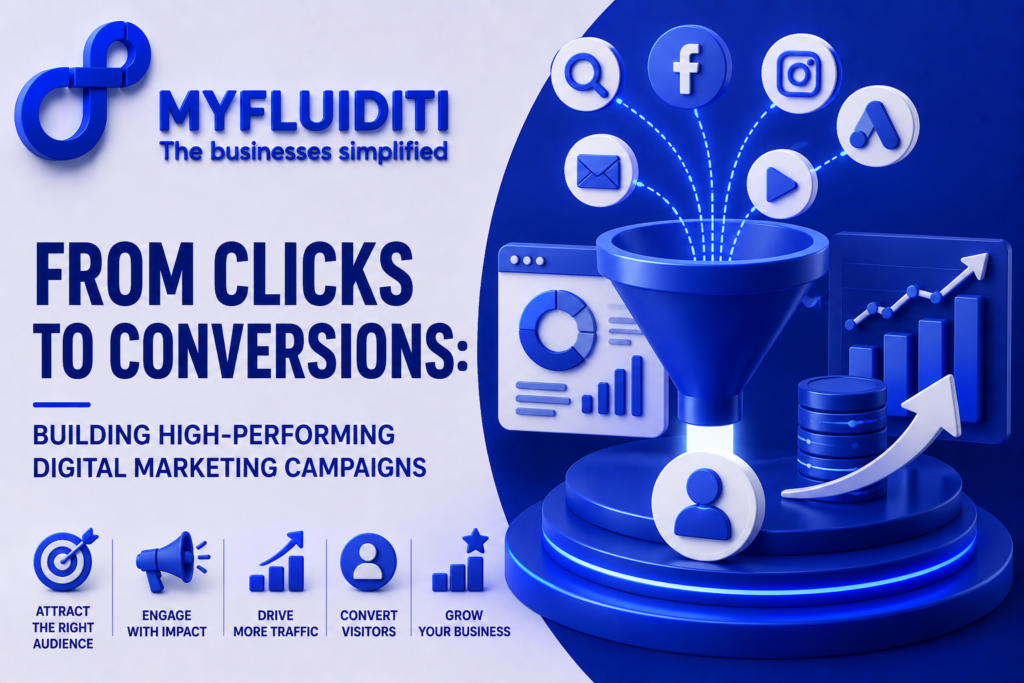
Introduction In today’s competitive online marketplace, attracting website visitors is only the first step toward business success. The real challenge lies in turning those visitors into loyal customers. This is where high-performing digital marketing campaigns make a significant impact. Businesses that combine strategic planning, engaging content, Search Engine Optimization (SEO), social media marketing, paid advertising, and data-driven insights can significantly improve conversion rates while maximizing return on investment. Modern digital marketing is no longer about generating clicks alone, it’s about creating meaningful customer journeys that drive measurable business growth. At MyFluiditi, we help businesses build customized digital marketing strategies that transform online traffic into valuable leads, long-term customers, and sustainable revenue. Understanding High-Performing Digital Marketing Campaigns A successful digital marketing campaign is built around clearly defined business objectives, audience insights, compelling messaging, and continuous optimization. Rather than focusing on isolated marketing channels, businesses today need integrated campaigns that connect websites, search engines, social media platforms, email marketing, and paid advertising into one seamless customer experience. Every interaction should guide potential customers toward a desired action, whether that is making a purchase, requesting a consultation, downloading a resource, or submitting an inquiry. At MyFluiditi, we design end-to-end digital marketing campaigns that align every touchpoint with your business goals while ensuring consistent brand messaging across all digital platforms. Why Clicks Alone Are Not Enough Many businesses measure success by website traffic or advertising clicks, but these metrics do not always reflect actual business growth. High traffic without conversions often indicates poor user experience, ineffective messaging, or weak campaign strategy. Conversion Rate Optimization (CRO) has become a critical component of modern marketing because it focuses on turning existing visitors into paying customers. Businesses that optimize landing pages, improve website speed, simplify navigation, and create compelling calls to action generate significantly higher returns from their marketing investments. MyFluiditi helps businesses improve conversion performance by analyzing customer behavior and continuously refining every stage of the digital journey. The Power of Search Engine Optimization One of the strongest foundations of any successful campaign is Search Engine Optimization (SEO). Ranking higher in search results allows businesses to attract qualified visitors who are actively searching for products or services. Effective SEO combines keyword research, technical optimization, quality content creation, link building, and user experience improvements to increase online visibility. Higher search rankings lead to greater organic traffic, stronger brand credibility, and lower customer acquisition costs over time. At MyFluiditi, our SEO specialists implement data-driven strategies that improve search performance while driving sustainable long-term growth. Creating Valuable Content That Converts Content plays a vital role in influencing customer decisions throughout the buying journey. High-quality blogs, website pages, case studies, videos, guides, and educational resources help businesses establish authority while building trust with potential customers. Content Marketing should address customer pain points, answer important questions, and provide valuable information that encourages engagement. Well-optimized content also strengthens SEO performance by increasing search visibility and improving website relevance. MyFluiditi develops compelling content strategies that balance keyword optimization with meaningful storytelling, helping businesses attract, educate, and convert their target audiences. Social Media as a Conversion Channel Social media has evolved beyond brand awareness into a powerful platform for lead generation and customer engagement. Businesses can connect directly with audiences, build relationships, and promote products across LinkedIn, Facebook, Instagram, and other digital platforms. Effective Social Media Marketing requires consistent content creation, audience engagement, targeted advertising, and performance analysis. Rather than simply increasing followers, successful campaigns focus on generating qualified leads and meaningful customer interactions. At MyFluiditi, we create strategic social media campaigns that strengthen brand visibility while driving measurable business outcomes. Performance Marketing for Faster Results While organic strategies deliver long-term growth, Pay-Per-Click (PPC) advertising provides immediate visibility for businesses looking to generate faster results. Search advertising, display campaigns, remarketing, and social media advertisements enable businesses to reach highly targeted audiences based on demographics, interests, online behavior, and search intent. Effective campaign management includes continuous monitoring, A/B testing, audience refinement, and budget optimization. MyFluiditi develops performance marketing campaigns designed to maximize return on advertising investment while increasing lead quality and improving overall campaign performance. Improving Customer Experience Successful digital marketing extends beyond advertisements and promotional content. Every customer interaction contributes to the overall experience. Fast-loading websites, responsive designs, intuitive navigation, mobile optimization, personalized messaging, and simplified checkout processes all influence purchasing decisions. Businesses that prioritize customer experience often achieve higher engagement, increased conversions, and stronger customer loyalty. At MyFluiditi, we focus on creating seamless digital experiences that encourage visitors to complete their customer journey with confidence. Data-Driven Marketing Decisions Modern marketing success depends on understanding customer behavior through accurate data and analytics. Businesses must continuously evaluate campaign performance, monitor user engagement, measure conversion rates, and identify improvement opportunities. Performance metrics provide valuable insights that help marketers refine targeting, optimize messaging, and improve return on investment. Marketing Analytics enables organizations to make informed decisions based on real customer interactions rather than assumptions. MyFluiditi leverages advanced analytics tools to measure campaign effectiveness and implement continuous improvements that maximize marketing success. Personalization Drives Higher Conversions Today’s customers expect personalized digital experiences that reflect their preferences, interests, and purchasing behavior. Generic marketing messages often fail to create meaningful engagement. Businesses that personalize website experiences, email campaigns, advertisements, and content recommendations consistently achieve higher conversion rates. Personalized communication builds stronger customer relationships while increasing trust and satisfaction. At MyFluiditi, we help businesses develop customer-focused marketing strategies that deliver relevant experiences across every stage of the buyer journey. Why Businesses Choose MyFluiditi Building successful digital marketing campaigns requires expertise, creativity, technology, and continuous optimization. MyFluiditi partners with businesses to create customized marketing solutions that align with their growth objectives. Our services include SEO, content marketing, website optimization, social media marketing, PPC advertising, branding, performance analytics, conversion optimization, and digital strategy consulting. Every campaign we develop is designed to attract the right audience, improve engagement, generate qualified leads, and increase measurable business results. By combining innovative marketing techniques with data-driven decision-making, we help businesses achieve sustainable growth in an increasingly
Business Automation: Improving Efficiency Through Technology
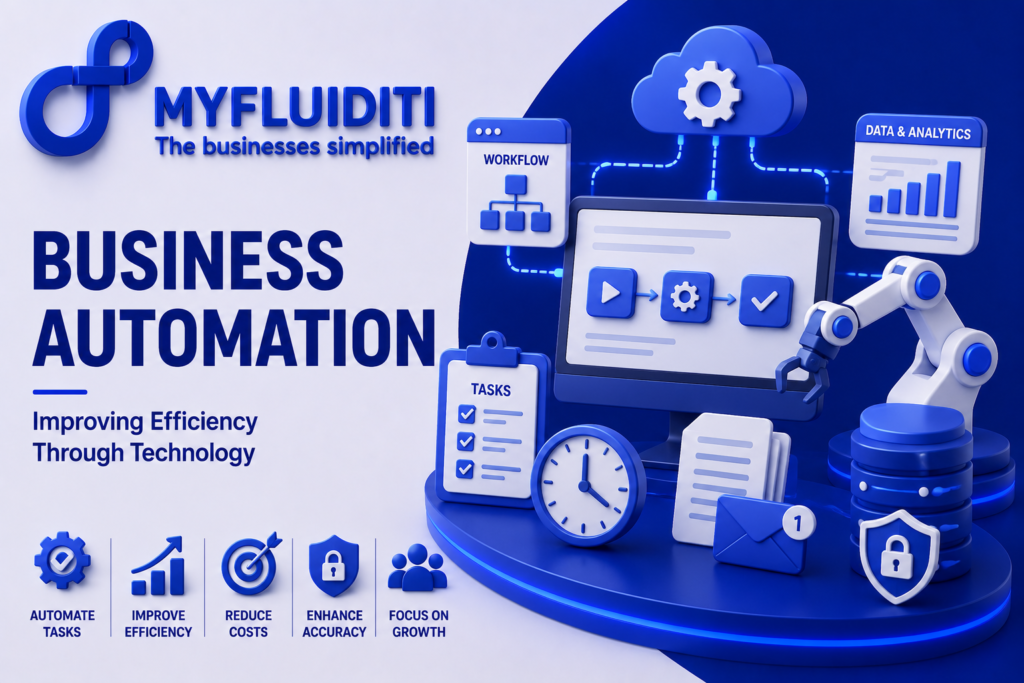
Introduction In today’s highly competitive business environment, organizations are constantly seeking ways to improve productivity, reduce operational costs, and deliver better customer experiences. One of the most effective strategies for achieving these goals is Business Automation. By leveraging modern technology to automate repetitive tasks, streamline workflows, and optimize business processes, companies can operate more efficiently while focusing on innovation and growth. From customer service and finance to human resources, sales, and supply chain management, automation has become an essential component of successful business operations. Businesses that embrace business process automation gain a competitive advantage by increasing speed, improving accuracy, and enabling employees to focus on strategic initiatives rather than manual activities. At MyFluiditi, we help organizations transform traditional operations into intelligent, technology-driven ecosystems through customized automation solutions. Our expertise in software development, workflow optimization, application integration, and digital technologies enables businesses to achieve sustainable growth while maximizing operational efficiency. Understanding Business Automation Business Automation refers to the use of technology to perform routine business processes with minimal human intervention. Instead of relying on manual workflows that consume time and resources, organizations can automate repetitive activities such as data entry, document management, approvals, reporting, customer communication, and operational monitoring. Modern automation solutions integrate multiple business systems into a unified environment where information flows seamlessly across departments. This not only improves operational efficiency but also minimizes errors, increases productivity, and accelerates decision-making. At MyFluiditi, we design customized automation solutions that align with each organization’s unique business processes, ensuring measurable improvements across daily operations. Why Businesses Are Investing in Automation As businesses continue to expand, managing increasing workloads manually becomes both expensive and inefficient. Organizations face growing pressure to deliver faster services, maintain higher quality standards, and respond quickly to changing customer expectations. Business process automation helps address these challenges by eliminating repetitive work, reducing delays, and improving consistency throughout operations. Automated systems allow employees to spend more time on innovation, strategic planning, customer engagement, and business development instead of administrative tasks. Businesses also benefit from improved resource utilization, faster turnaround times, and greater operational transparency. At MyFluiditi, we work closely with organizations to identify automation opportunities that deliver immediate and long-term business value while supporting future scalability. Improving Productivity Through Workflow Automation One of the biggest advantages of workflow automation is its ability to simplify complex business operations. Many organizations rely on multiple disconnected processes that require manual coordination between teams. These fragmented workflows often result in delays, communication gaps, and reduced efficiency. By automating approvals, notifications, task assignments, document processing, and reporting, businesses can significantly improve productivity while maintaining operational consistency. Automated workflows also provide greater visibility into ongoing activities, allowing managers to monitor performance and identify opportunities for continuous improvement. MyFluiditi develops intelligent workflow automation solutions that integrate seamlessly with existing business applications, enabling organizations to optimize operations without disrupting their current systems. Enhancing Customer Experience Customer expectations continue to evolve as digital interactions become increasingly important. Businesses are expected to provide faster responses, personalized experiences, and seamless service across multiple communication channels. Business Automation enables organizations to improve customer engagement by automating support requests, order processing, appointment scheduling, notifications, and service delivery. Customers receive faster responses while employees gain more time to focus on complex interactions that require personal attention. At MyFluiditi, we help businesses implement automation strategies that improve customer satisfaction, strengthen brand loyalty, and create more meaningful customer experiences through intelligent digital solutions. Reducing Operational Costs Manual business processes often require significant time, labor, and administrative effort. These inefficiencies contribute to higher operational costs and reduced profitability. Automation reduces dependency on repetitive manual work while improving overall resource utilization. Organizations implementing automation technology experience lower processing costs, fewer operational errors, reduced paperwork, and faster execution of daily tasks. These efficiencies contribute directly to improved financial performance and stronger business competitiveness. MyFluiditi helps businesses optimize operational costs by developing scalable automation platforms that improve efficiency while supporting long-term business objectives. Data Accuracy and Better Decision-Making Accurate information is essential for making informed business decisions. Manual data entry increases the risk of errors, inconsistencies, and duplicated information that can affect reporting and operational performance. Automated systems capture, process, and update information consistently across integrated business platforms, ensuring greater accuracy and reliability. Real-time reporting and performance dashboards provide business leaders with valuable insights that support faster and more informed decision-making. At MyFluiditi, we develop automation solutions that centralize business information, improve data quality, and enable organizations to make strategic decisions based on accurate and up-to-date information. Business Automation Across Industries Automation is transforming organizations across virtually every industry. Healthcare providers automate patient scheduling and administrative processes. Financial institutions streamline payment processing and compliance activities. Retail businesses optimize inventory management and customer engagement. Manufacturing companies automate production workflows and quality monitoring. Logistics organizations improve shipment tracking and warehouse operations. Regardless of industry, business automation solutions enable organizations to improve efficiency while delivering better services to customers. MyFluiditi works with businesses across multiple sectors to design industry-specific automation strategies that align technology with operational goals. Security and Scalability As organizations automate more business processes, security becomes increasingly important. Automated systems often manage sensitive business information, customer records, and operational data that require strong protection. At MyFluiditi, security is incorporated into every stage of solution development. We implement secure authentication, encrypted communications, role-based access controls, audit logging, and compliance-focused development practices to ensure business information remains protected. Our automation solutions are also designed with scalability in mind, allowing businesses to expand operations, integrate new technologies, and support future growth without significant redevelopment. How MyFluiditi Helps Businesses Automate Operations Every organization has unique operational challenges that require customized technology solutions. At MyFluiditi, we begin by understanding each client’s business objectives, workflows, and growth strategy before designing automation solutions tailored to their specific needs. Our services include business process automation, workflow optimization, custom software development, application integration, business intelligence solutions, web and mobile application development, and ongoing technology support. We focus on building flexible, scalable systems that simplify operations while improving efficiency, productivity, and
The Business Value of Modern Application Development
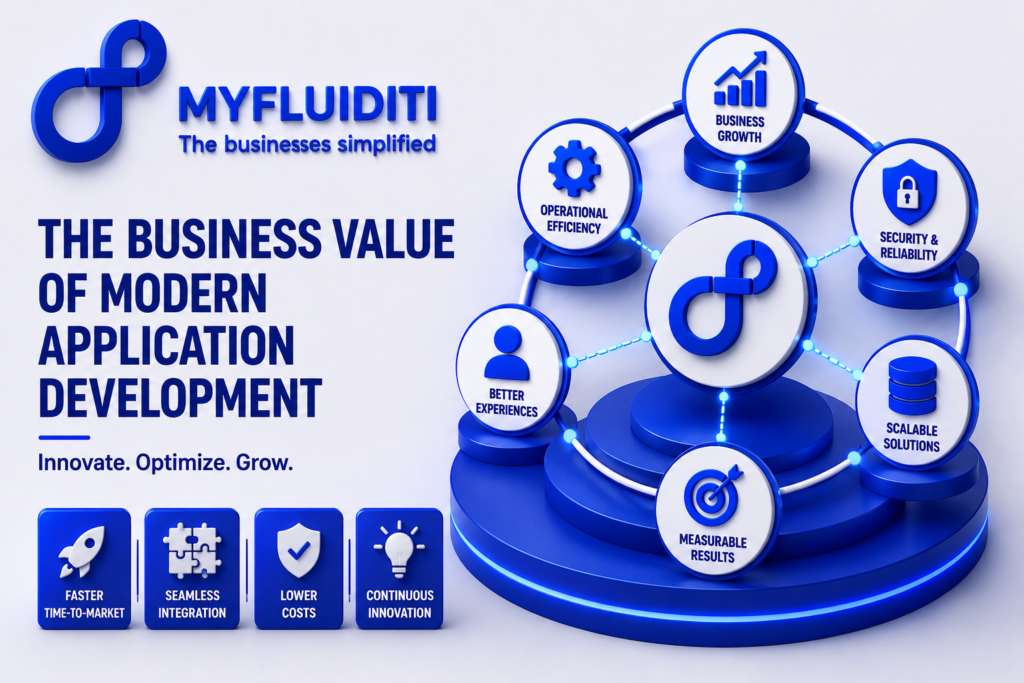
Introduction In today’s fast-changing digital economy, businesses need more than just functional software they need modern application development that accelerates innovation, improves operational efficiency, and delivers exceptional customer experiences. As customer expectations evolve and markets become increasingly competitive, organizations must invest in applications that are scalable, secure, high-performing, and built to adapt to future business needs. Modern application development empowers businesses to streamline workflows, automate repetitive processes, integrate critical systems, and launch new products faster. Companies that embrace innovative development strategies gain a significant competitive advantage by responding quickly to changing market demands while maintaining reliability and performance. At MyFluiditi, we understand that every business has unique operational goals and challenges. Our development approach focuses on building intelligent, future-ready software solutions that align with business objectives, enabling organizations to transform ideas into scalable digital products that create measurable business value. Why Modern Application Development Matters Modern application development is no longer limited to writing code. It represents a complete shift toward building applications that are flexible, maintainable, and capable of supporting business growth for years to come. Organizations increasingly require applications that integrate seamlessly with existing platforms, support growing user bases, and remain secure against evolving cyber threats. Businesses also expect shorter development cycles, continuous improvements, and faster deployment without compromising quality. This is why modern software development practices have become a strategic business investment rather than simply an IT initiative. Driving Operational Efficiency Through Modern Applications One of the greatest business advantages of modern application development is increased operational efficiency. Well-designed applications automate manual processes, eliminate repetitive tasks, reduce human error, and improve productivity across departments. Employees spend less time managing administrative work and more time focusing on strategic activities that contribute directly to business growth. Faster workflows, real-time collaboration, and integrated business systems allow organizations to make informed decisions with greater speed and accuracy. At MyFluiditi, we develop custom business applications that simplify complex workflows, improve collaboration, and enhance operational performance across organizations of every size. Building Scalable Applications for Business Growth Scalability has become another defining characteristic of successful business applications. As organizations expand into new markets, onboard more customers, or introduce additional services, their applications must handle increasing workloads without affecting performance. MyFluiditi develops scalable software architectures that support business growth while maintaining speed, reliability, and stability. Our solutions ensure businesses can confidently expand without worrying about technology limitations or costly redevelopment projects. Future-ready architecture also enables organizations to introduce new features, integrate emerging technologies, and respond to changing customer expectations without rebuilding existing applications. Strengthening Security with Modern Development Practices Security remains one of the most critical aspects of application development. Modern businesses handle sensitive customer information, financial transactions, and confidential operational data every day. A secure application protects valuable business assets while building trust with customers and partners. At MyFluiditi, security is integrated throughout the development lifecycle rather than treated as an afterthought. We implement secure coding practices, authentication mechanisms, role-based access controls, data encryption, vulnerability assessments, API security, and compliance-focused development standards to ensure every application remains protected against evolving cyber threats. Enhancing User Experience Through Intuitive Design User experience plays a major role in determining business success. Customers expect applications that are intuitive, responsive, and easy to navigate across desktops, tablets, and mobile devices. A poor user experience often leads to reduced engagement, lost sales, and declining customer loyalty. MyFluiditi creates applications with modern UI/UX principles that prioritize usability, accessibility, and performance. By combining user-centered design with responsive interfaces, we help businesses deliver seamless digital experiences that increase customer satisfaction, strengthen customer retention, and improve conversion rates. Accelerating Innovation with Agile Development Another significant benefit of modern application development is faster product delivery. Traditional software projects often required lengthy development cycles before reaching customers. Today’s Agile development methodologies allow businesses to release applications faster, gather real user feedback, and continuously improve features through iterative updates. This accelerated development process reduces time-to-market while allowing organizations to remain competitive in rapidly changing industries. At MyFluiditi, we embrace Agile practices, continuous integration, automated testing, and collaborative development to deliver reliable software faster without compromising quality. Seamless System Integration for Connected Businesses Integration capabilities have become equally important for modern organizations. Businesses rely on multiple platforms, including CRM systems, ERP software, payment gateways, inventory management solutions, marketing platforms, HR systems, and third-party APIs. Modern applications must connect these systems efficiently to eliminate data silos and improve operational visibility. MyFluiditi specializes in developing applications with seamless integration capabilities that enable businesses to centralize operations, automate workflows, synchronize data, and improve decision-making through unified business ecosystems. Leveraging Data and Analytics for Smarter Decisions Data has become one of the most valuable business assets, making analytics an essential component of application development. Modern applications generate meaningful insights through dashboards, reporting tools, and performance monitoring features. Business leaders gain real-time visibility into customer behavior, operational efficiency, sales performance, and business trends, allowing them to make faster and more informed decisions. At MyFluiditi, we build intelligent applications that transform raw business data into actionable insights, helping organizations continuously optimize their operations and improve business performance. Reducing Long-Term Costs with Future-Ready Applications Modern application development also supports long-term cost efficiency. While building advanced software requires strategic investment, businesses benefit from lower maintenance costs, reduced downtime, simplified upgrades, and improved operational productivity over time. Flexible software architecture minimizes future redevelopment expenses while enabling continuous innovation as business requirements evolve. MyFluiditi develops applications using scalable architectures and modern development frameworks that maximize return on investment while reducing long-term technology costs. Industry-Specific Application Development Every industry has unique operational requirements. Healthcare organizations require secure patient management systems, financial institutions need compliance-focused applications, logistics companies depend on supply chain visibility, manufacturers require production management solutions, and retailers benefit from connected commerce platforms. MyFluiditi develops customized software solutions that address industry-specific challenges while delivering measurable business outcomes. By understanding each client’s operational workflows, we create software that improves productivity, streamlines processes, and supports long-term business growth. Preparing for the Future with Modern Software Architecture As technology
Creating High-Impact Software Solutions for Modern Businesses
Introduction In today’s fast-changing digital landscape, businesses need more than just software, they need high-impact software solutions that improve operations, enhance customer experiences, and create measurable business value. As organizations embrace digital transformation, modern software has become the driving force behind productivity, innovation, and long-term growth. Whether it’s a startup launching its first product or an established enterprise modernizing legacy systems, investing in scalable and future-ready software is essential for staying competitive. Businesses that prioritize custom software development, seamless integrations, and user-focused applications are better positioned to respond to market changes, automate workflows, and deliver exceptional customer experiences. At MyFluiditi, we specialize in building intelligent, scalable, and business-focused software solutions tailored to the unique needs of every organization. Our development approach combines innovation, strategic planning, and the latest technologies to create applications that solve real-world business challenges while preparing organizations for future growth. Why High-Impact Software Matters Modern businesses generate enormous amounts of data, manage complex operations, and serve customers across multiple digital channels. Generic software often lacks the flexibility required to meet these evolving demands. High-impact software solutions are designed specifically around business objectives, enabling organizations to streamline workflows, improve collaboration, reduce operational costs, and increase efficiency. Unlike off-the-shelf applications, custom software adapts to changing business requirements instead of forcing businesses to adjust their processes. From automating repetitive tasks to integrating multiple business systems, well-designed software creates a connected digital ecosystem that supports sustainable growth. The Role of Custom Software Development Every business has unique goals, processes, and customer expectations. This is why custom software development has become one of the most valuable investments for organizations seeking competitive advantage. Tailored applications provide greater flexibility, improved performance, stronger security, and easier scalability compared to traditional software solutions. MyFluiditi develops customized software that aligns with each client’s operational needs. Whether organizations require business management platforms, customer portals, workflow automation systems, internal management tools, or industry-specific applications, our experienced development team creates solutions that improve productivity while maintaining long-term scalability. Our development process focuses on understanding business challenges first before designing software that delivers measurable outcomes. This ensures every feature directly contributes to operational efficiency and customer satisfaction. Modern Technologies Driving Software Innovation Technology continues to evolve rapidly, creating new opportunities for businesses to optimize operations and enhance digital experiences. Modern software solutions increasingly incorporate automation, API integrations, advanced analytics, IoT connectivity, mobile accessibility, cloud-native architecture, cybersecurity best practices, and scalable microservices to deliver greater value. At MyFluiditi, we leverage the latest software engineering methodologies and modern development frameworks to build secure, high-performing applications. Our solutions are designed with future scalability in mind, allowing businesses to expand functionality without rebuilding their technology infrastructure. By embracing agile development practices, continuous testing, and user-centered design, we help organizations launch reliable software faster while maintaining exceptional quality standards. Delivering Exceptional User Experiences The success of any software application depends heavily on the experience it provides to users. Businesses today must deliver intuitive, responsive, and engaging digital experiences across desktop, web, and mobile platforms. Poor usability often results in lower adoption rates, reduced productivity, and lost business opportunities. User experience (UX) and interface design are central to every project developed by MyFluiditi. Our design teams focus on creating clean interfaces, seamless navigation, responsive layouts, and user-friendly workflows that improve engagement while reducing learning curves. The result is software that employees enjoy using and customers trust. Scalability for Long-Term Business Growth Business requirements rarely remain static. As organizations grow, software must support increasing users, larger datasets, additional integrations, and evolving operational processes. Scalable architecture ensures businesses can expand without costly redevelopment projects. At MyFluiditi, scalability is built into every software solution from the beginning. Our development approach enables organizations to introduce new features, integrate third-party systems, and accommodate business expansion with minimal disruption. This future-ready strategy helps businesses maximize their technology investments while remaining adaptable to market demands. Security and Reliability in Every Solution Cybersecurity has become one of the most critical considerations in software development. Businesses handle sensitive customer information, financial data, and proprietary business assets that require comprehensive protection. Security must be integrated throughout the software development lifecycle rather than added later. MyFluiditi follows industry best practices for secure software development by implementing encryption, authentication protocols, secure APIs, role-based access control, compliance standards, regular testing, and continuous monitoring. These measures ensure businesses can confidently operate digital platforms while protecting valuable information and maintaining customer trust. Industry-Specific Software Solutions Different industries face different operational challenges. Healthcare organizations require secure patient management systems, retailers need integrated eCommerce platforms, logistics companies benefit from supply chain automation, financial institutions demand secure transaction processing, and manufacturers require intelligent production management. MyFluiditi develops industry-specific software solutions that address these unique requirements while supporting business innovation. Our ability to understand industry workflows allows us to deliver applications that generate measurable operational improvements and long-term business value. Agile Development for Faster Delivery Speed has become a competitive advantage in software development. Businesses need solutions that can quickly adapt to customer feedback and changing market conditions. Agile development enables continuous collaboration, rapid iteration, and faster deployment without compromising quality. At MyFluiditi, we follow agile software development methodologies that promote transparency, flexibility, and continuous improvement throughout every project. Clients remain involved throughout the development process, ensuring the final solution aligns perfectly with business goals while reducing development risks. Future Trends in Software Development Software development continues to evolve alongside advancements in digital technologies. Businesses are increasingly investing in intelligent automation, low-code development platforms, predictive analytics, IoT-enabled applications, enhanced cybersecurity, cross-platform solutions, and data-driven decision-making tools. Organizations that invest in modern software today will be better equipped to innovate tomorrow. Future-ready applications not only improve current operations but also provide the flexibility needed to embrace emerging technologies as business needs evolve. At MyFluiditi, we continuously monitor technology trends and incorporate proven innovations into our development strategies. This enables our clients to stay ahead of competitors while building sustainable digital capabilities for long-term success. Why Choose MyFluiditi Selecting the right technology partner is just as important